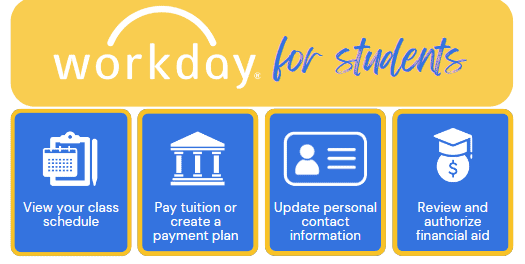
Workday Student is the student information system used across all UA System campuses to manage the administrative processes involved with student records, financial aid, student accounts, academic advising, and admissions.
As a student, you will use Workday to explore course schedules, review your financial aid, view grades, track your academic progress, manage your student account, and pay tuition and fees.
Logging In to Workday
Before getting started, you will need to activate your institution email and password (if you are a newly admitted student)and then follow these steps:
Before getting started, you will need to activate your institution email and password (if you are a newly admitted student)and then follow these steps:
- Navigate to myapps.microsoft.com in a web browser.
- Log in with your institution email and password when prompted. You may also be prompted to authenticate using an authenticator app or secure code.
- A dashboard with multiple apps will display. Locate the blue app titled “Workday” and select it.
- You are now logged into Workday!